PhotosUpscalerUpscale a photoUpload

Photos upscaler

Turn tiny photos into crisp, big ones.

Drop a photo and get a copy up to 4× bigger, with clean edges instead of blocky pixels.

or drop it anywhere here · paste works too

FreeNo sign-upPhotos stay on your device

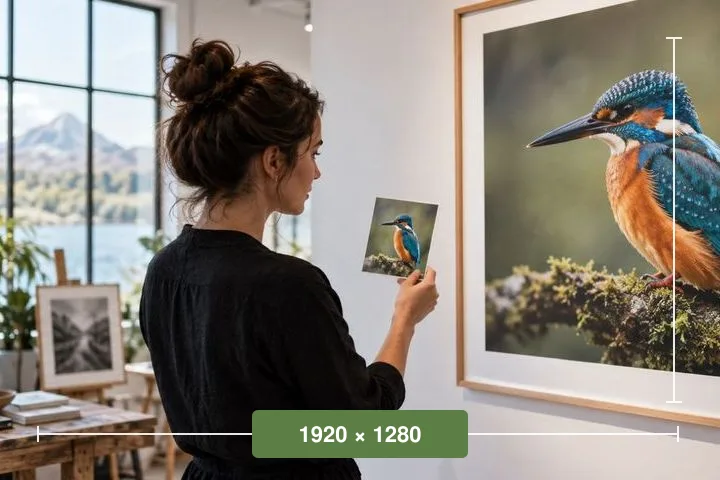
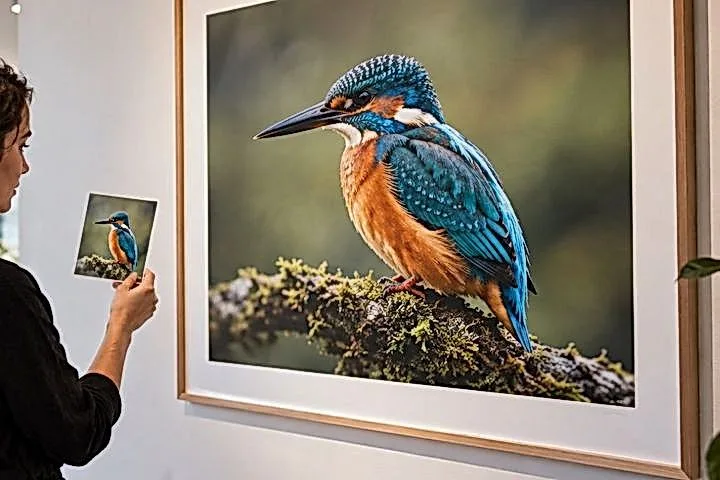
A kingfisher photo 170 pixels wide, enlarged as blocky pixelsBefore · 170 pxAfter · 4× sharper
kingfisher-4x.png680 × 544 · ready to download

Got a whole folder?

Queue up to 500 photos at once

One photo opens the review studio: 2× to 4×, clean-up before, detail after, and a loupe that shows what the model added. A folder runs as a queue: state what every photo has to clear, see how long it will take on this machine, and get one archive. Nothing is uploaded.

Step 1 of 3 · Files

Drop one photo to review, or a folder of 20 to 500.

A directory or a selection becomes a queue with one rule for every picture in it. A single photograph — dropped, picked or pasted — opens the review studio instead, with a before and after at 100%.

Pixels are read and worked in this tab; model files travel to it, never the other way.

What you are shown before anything runs

— and — minutes

files · tiles · milliseconds a tile, measured over real tiles cut from your own photographs a moment ago, and the name of the graph those numbers describe.

The blanks are blank on purpose. Nothing on this page quotes a duration it has not timed on the machine it is running on, which is why the estimate arrives after the set and not before it.

Model weights come from our model file server only when you press the control that names their size. Everything else — the runtime, the decoding, the inference, the archive — is served from this domain and executed here.

Real results

From a 120-pixel crop to four times bigger

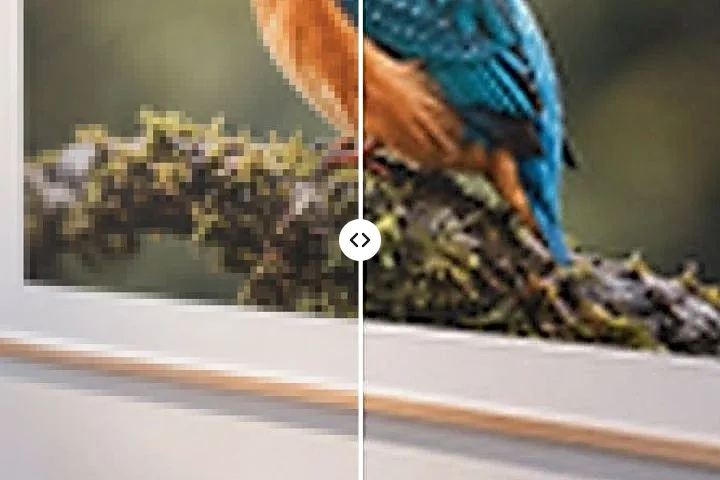
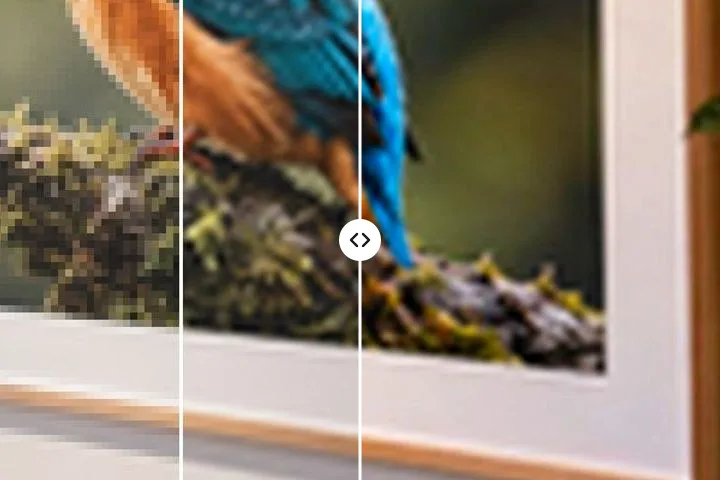
Left of the line: the small photo blown up as it is. Right: what you download.

Portraits: before and after a 4× upscale, split down the middleBeforeAfter 4×
PortraitsHair, skin and the print in her hand come back smooth, not blocky.
Wildlife close-ups: before and after a 4× upscale, split down the middleBeforeAfter 4×
Wildlife close-upsFeathers and the eye ring stay crisp at four times the size.
Plants & texture: before and after a 4× upscale, split down the middleBeforeAfter 4×
Plants & textureLeaf edges and wood grain without the staircase pixels.

How it works

Three taps, no account

  1. Choose a photo

    Tap the button, drop a file or paste one. JPG, PNG, WebP, HEIC and more.

  2. Watch it sharpen

    It opens 2× bigger straight away. Pick 3× or 4×, or the AI models, if you want more.

  3. Download

    Save a PNG, WebP or JPG with no watermark. Your photo never left this device.

All tools

Pick the job, we set it up

Each page opens the same upscaler with the right size and settings already chosen.

Every task on this site

Big batches

See the wait before the work starts

Estimate · step 2 of 3, before a single file is touched

22–38minutes on this machine

214 files · ESPCN ×3 · WebP out · median of 8 tiles cut from 3 of your own photographs

A worked example, not a reading of your processor. The queue measures the chosen network on your own hardware and quotes its own range before offering to start — where the minutes come from sets out the tile arithmetic behind it, and runs, warns, refused gives the two thresholds that decide whether a set is offered at all.

The run table as it appears at step three: one row per file, with a written reason beside every state that is not done.
FileSourceOutputStateReason
supplier-0412.jpg480 × 4801440 × 1440done—
supplier-0413.png512 × 3841536 × 1152done—
supplier-0414.jpg1180 × 11803540 × 3540workingtile 41 of 88
supplier-0415.heic——refusedno decoder for this file in this browser
supplier-0416.jpg3024 × 4032—refusedlong edge over the 1,500 px envelope
supplier-0417.jpg640 × 4271920 × 1281waiting209 files behind it
208 more waiting

Four states and nothing else, each one written out rather than coloured at you. A file is never simply lost: the two refusals above are named on screen while the rest of the set carries on, and both appear again in the run report inside the archive. The 972-tile calculation is the long answer to why some sets are quoted in hours and declined.

What this queue is for

Three photographs enlarged by hand is not a problem. Eighty is a different problem, and it is the one this page is built around: a directory of supplier thumbnails, a shoebox of scans, a folder of screenshots that all need to clear the same minimum, with one setting applied to every one of them and no decision to make per file.

The thing that makes it usable is not the model. It is the number the page prints before the first file is touched. Super resolution in a browser tab is arithmetic that does not scale, and a queue built on it either says how long it will take or it is a trap. So the tool measures the chosen network on your own processor — real tiles cut from your own photographs, timed a moment ago — and quotes a range before it will start.

Running a folder

  1. Enumerate. Drop a directory or select files. Entries stream into the list as the walk proceeds, non-pictures are counted and dismissed on one line, and anything past this browser's bitmap ceiling is excluded here rather than discovered at file 300.
  2. Settle one rule. State what every picture has to clear — a pixel floor, a print size at a DPI, or a megapixel count — then an output format and a two-token naming pattern. That is the whole configuration. The factor is not one of the fields and neither is the graph: the first is solved per file from its own dimensions, the second is chosen from the shape of the set and named on screen with the reason it was chosen.
  3. Calibrate. Press the control that names the byte count. The model comes down once, eight real tiles from three of your files are timed, and the median becomes the estimate.
  4. Run. One worker, one session, one file at a time. Pause lands on the next tile boundary rather than the next file, so pausing a long photograph still takes under two seconds.
  5. Take the archive. Each output is kept on this device as its file finishes, and the ZIP is assembled from those kept files at the end. The run report names every file that failed and why, and every file that came back soft — measured on its own pixels rather than inferred from the factor it took, because clearing a pixel floor and carrying detail are two different things.

What it opens, what it refuses

Decoding covers JPG, PNG, WebP, AVIF, GIF, BMP, TIFF and ICO natively, with the HEIC codec fetched on the first HEIC magic number in a set and reused for the rest of it. Orientation is settled once per browser by a two-pixel probe decode, which is what stops half the photographs in a folder arriving on their side.

  • There is no GPU in this path, and model passes use up to four CPU threads where the browser isolates the page (one where it cannot, as in Safari). A desktop application with CUDA behind it will beat this by two orders of magnitude, and on twelve-megapixel photographs it is the only sensible answer.
  • Animated GIF and WebP are refused per file with the reason logged. Keeping the first frame of an animation and calling it done is not a behaviour this queue has.
  • Alpha never reaches either network. It is enlarged arithmetically and recombined, which is what stops a cutout acquiring a halo.
  • Nothing here shrinks a picture. This queue only enlarges, and the factor control has no value below one.
  • The queue has no preview and no per-image control: five hundred per-file decisions is not a feature. A single photograph opens the review studio instead, with Split, Before and a 100% loupe, and that is where per-image judgement lives.
  • A soft source is named, not fixed. Nothing here can put back detail a file never had, and a row that measures as soft is a row telling you to replace the original rather than enlarge it.
The published envelope, in full on the reference page
BandConditionWhat happens
RunsESPCN, long edge ≤ 1,500 px, up to 500 filesStarts once the estimate is accepted
WarnsESPCN to 2,400 px, or Real-ESRGAN at ≤ 600 px and ≤ 50 filesEstimate in red, second confirmation
RefusedAny file over 5 minutes, or a queue over 4 hoursExcluded by name; Lanczos3 finishes it instead

Asked mid-run

How many files can one queue hold?
Five hundred, on a desktop browser, with every source under 1,500 pixels on its long edge. Past that edge the estimate turns red and asks a second time; past the published envelope the model path is refused and the arithmetic one takes the set. On an iPhone or iPad every number in that sentence halves, and five hundred is not offered at all.
Why does the factor not change the estimate?
Because neither network takes a factor. ESPCN magnifies by three and Real-ESRGAN by four, and both work on a tile of the source, so the number of passes depends on how big your originals are and not on how big you asked the results to be. The factor is applied to the network's output afterwards, arithmetically, which costs a fraction of a second a file.
What happens to a file that fails halfway?
It gets one retry, and the shape of that retry depends on the engine. Real-ESRGAN's input dimensions are free, so the file is tried again at half the tile edge, which is the fix for an allocation failure on a large photograph. ESPCN hard-codes its input size, so halving is not available and the retry runs on the arithmetic path instead. A second failure marks the file with its reason and the queue moves on; the end screen then offers a queue built from the failed set alone.
Can I close the tab and come back?
Yes. As each file finishes, its output is written to this browser's private file system on this device, and the settings, the file list and the measurement are kept beside it. Come back, grant the folder again, and only the files without a kept output run — matched by path, size and dimensions, so a file that changed in the meantime is done again rather than reused. Your source photographs are never stored, which is why the folder has to be granted again. Where a browser offers no private file system, the run works in memory and says so.
How do I know which files came back usable?
Each row says so, and it is measured rather than deduced from the factor. After a file is worked, the sharpest windows in its source are halved and put back: if putting them back changes almost nothing, the source was carrying nothing at that level and its real detail is coarser than its pixel count suggests. The output is then weighed against the same source interpolated to the same size, which is the definition of bigger pixels, so anything measurably above that line is detail the engine added. A crisp 400 px scan at 4x and a soft 1,200 px JPEG at 1.33x both clear a 1,600 px floor and only one of them is a usable listing image — the row with the smaller factor is the bad one, and the run report names it with the pixel width of the detail actually in it.
What does the review studio's risk reading measure?
It compares the result with the same photograph enlarged by Lanczos3 to the same size — bigger pixels and nothing else — in 16-pixel cells. Sharpening what the source already had roughly doubles a cell's edge energy; a network growing texture the source never had goes well past that, fastest where the source was flat. Cells past that line are lit on the risk map, the strongest are numbered, and N sends the loupe to each in turn. It flags where to look; it cannot know whether a leaf or a pore the model drew was really there.
Is anything uploaded?
Requests leave this device only for model files, from our model file server, and each only after you press the control that prints its size: the upscaler the run needs and, if you ask the review studio to find faces, a 229,738-byte detector. Every file is checked against its SHA-256 before it runs. Nothing else leaves: there is no server behind this domain, no API route, and nowhere for a pixel buffer to be sent even by accident.

Reference: the numbers