What this does differently
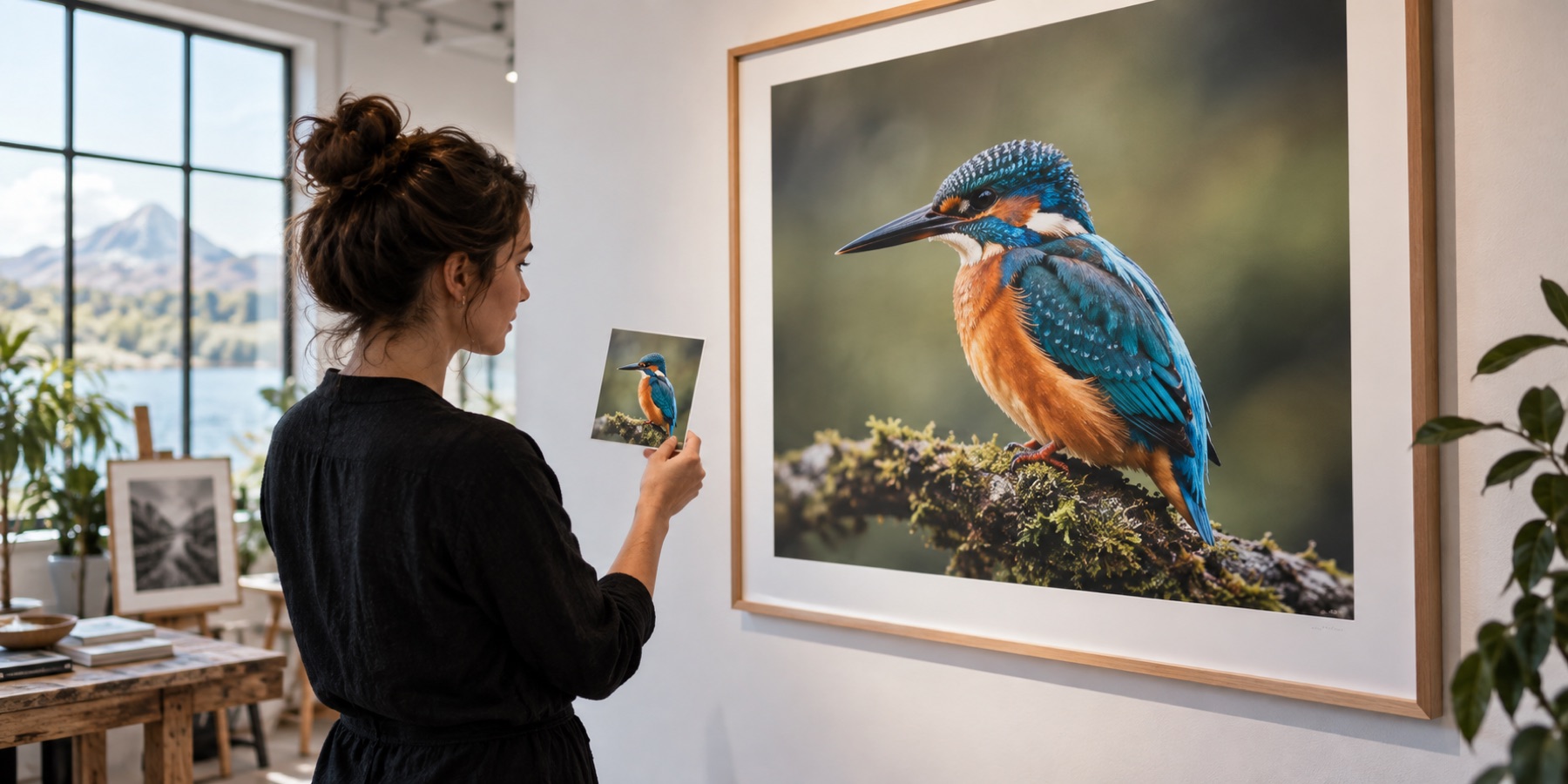
This page starts with one photo, not a folder. The first result is arithmetic and instant: Lanczos3 at 2×, nothing downloaded. The models — ESPCN, which works on brightness only and cannot recolour anything, and Real-ESRGAN, which reconstructs all three channels and can invent texture — are offered with their exact sizes, and the split view shows the plain enlargement beside the result so you can see what each one added.
What it will not do
- It does not undo motion blur or focus blur.
- It does not restore detail that was never recorded; the risk map shows where a model drew texture the source did not have.
- It holds up to 32 megapixels of output for review on a desktop browser, 16 on iPhone and iPad.
Questions about this
Is my photo uploaded?
No. It is decoded in this tab and enlarged on this device. The only download is a model file, once, from our model file server, and only when you press the control that prints its size.
What is the largest photo it takes?
The studio holds up to 32 megapixels of output for review on a desktop browser and 16 on an iPhone or iPad. A larger photo is offered as a reduced copy, said so on every screen, or the folder queue can take it.
Is it free, and is there a watermark?
It is free, there is no account, and the saved file carries no watermark — pixels only, with no camera metadata carried over.
Why 3× for ESPCN and 4× for Real-ESRGAN?
Because that is what each model's weights do; neither takes a factor. Any other size is the model's own result resampled, and the status line says which.
Can it fix a blurry photo?
No. Motion blur and focus blur are not undone. It can clean JPEG blocks and noise before enlarging, and the detail check tells you how much real detail the photo carries.
Next on this site
- AI image upscalerReal-ESRGAN in your browser, and a risk map of exactly where it invented texture.
- Increase image qualityJPEG blocks and noise cleaned before enlarging, or the same size made cleaner. Blur is not undone.
- Low resolution to high resolutionHow much real detail the photo carries, measured first, and the honest factor that follows from it.
- Bulk image upscalerA folder in, one archive out — with the wait measured on this machine before it starts.