When AI upscaling invents detail
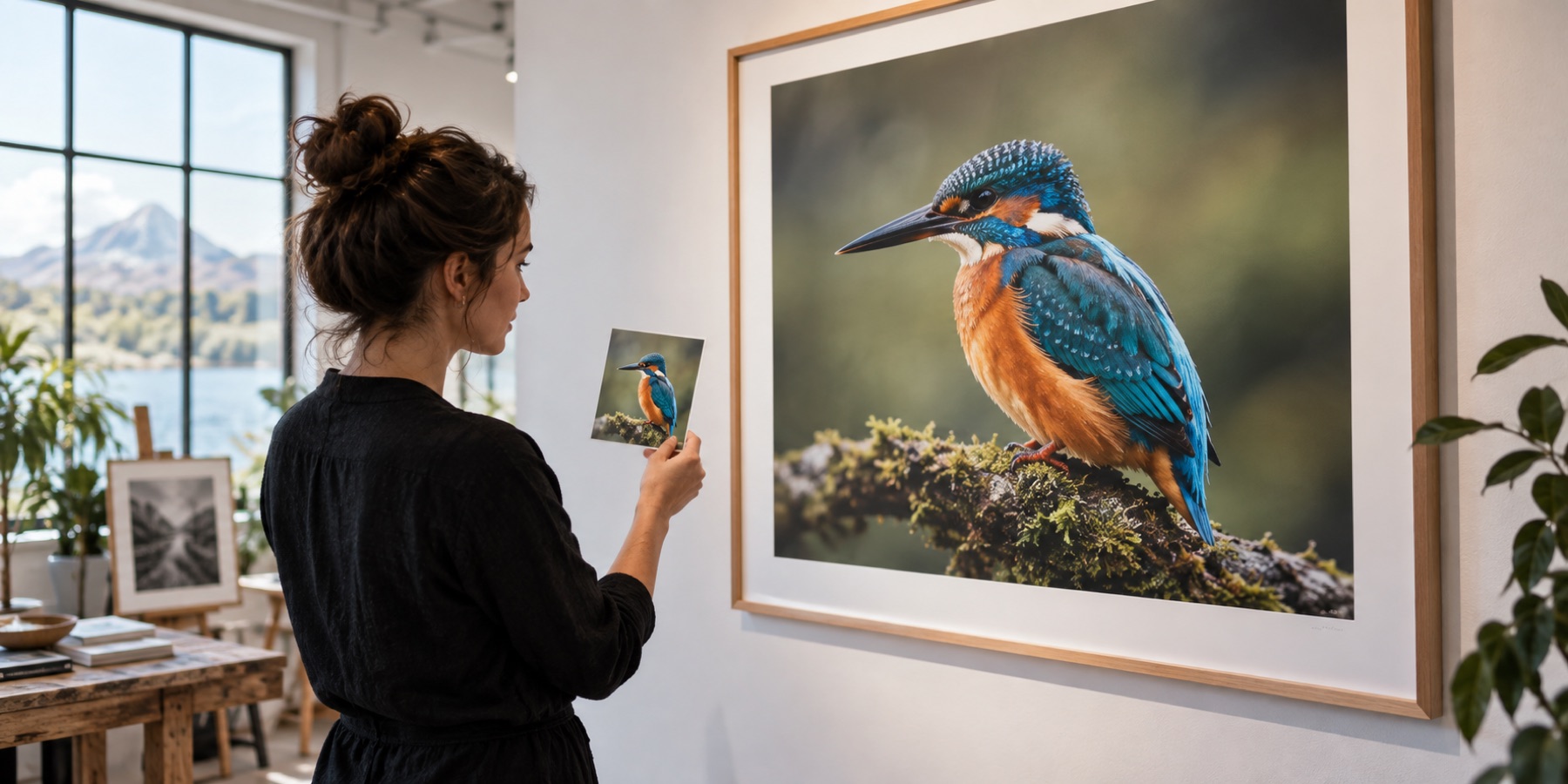
An AI upscaler does not recover detail; it draws detail that looks like what it was trained on. Most of the time that is the point. Sometimes it draws something that was never there — and the photo looks better while becoming less true. This guide is about telling those apart.
How the risk map sees it
The studio enlarges your photo twice: once with the engine you chose, once plainly with Lanczos3, which adds no detail. Both are compared in 16-pixel cells by edge energy — how much fine edge and texture each cell holds. Sharpening what exists lifts that energy to about twice the plain copy. A network drawing texture where the plain copy is smooth lifts it far more, so cells start to score at 2.4× and are fully lit at 4.8×. The method page has the details and the limits.
| Engine | Strongest cell | Reading |
|---|---|---|
| Lanczos3 + detail | under about 2.9× | Sharpening of edges that exist |
| ESPCN | under about 2.9× | Reconstruction close to the source |
| Real-ESRGAN | about 7× (in foliage) | Texture drawn where the source was soft |
Four materials, four behaviours
Foliage
Leaves, grass and hedges are where a general network grows the most. A soft green mass comes back as crisp individual leaves — convincing, and not the leaves that were there. For a landscape print that is often welcome; for evidence of what a garden looked like, it is not. Expect the hot spots here first.
Skin
Smooth skin gains pores and fine lines, and eyes can be redrawn. Because faces are where people look, the studio tours the hot spots on faces first when its face detector finds one, and the portrait mode holds detail back on skin. On an ID or document photo, use no AI at all — the forms guide explains why.
Text
Small lettering is the riskiest case: a network can reshape a stroke into a different letter, and the result looks sharp and wrong. The studio spots text-like pictures, turns the map on and suggests Product mode, which runs ESPCN on brightness only. Read every word at 100% before you rely on it.
Fabric
Plain cloth can acquire a weave, and a fine pattern can be replaced by a different one. For product photos where the buyer is judging the material, compare the hot spots against the original before listing.
How to review a result
- Turn the risk map on and press N to tour the numbered hot spots in the split loupe — plain enlargement on one side, result on the other.
- If the hot spots are on things that matter (a face, a label, a product's material), try ESPCN or Lanczos3 with detail and compare.
- To send the review to someone else, save the review strip: each hot spot as a plain enlargement above the result, in one PNG.
- A lit cell means look here, not this is wrong. Whether a leaf or a pore was really there is something no measurement of two pictures can know.
Related
- Risk map methodSixteen-pixel cells against a plain enlargement, scored from 2.4× edge energy: where an upscaler invents detail.
- Detail check methodA halving test for the real detail in a photo, and the gain that says whether an upscale added any.
- AI image upscalerReal-ESRGAN in your browser, and a risk map of exactly where it invented texture.
- Portrait upscalerFaces found on this device and refined only there, skin left alone, and a review tour that starts on the faces.