What this page does differently
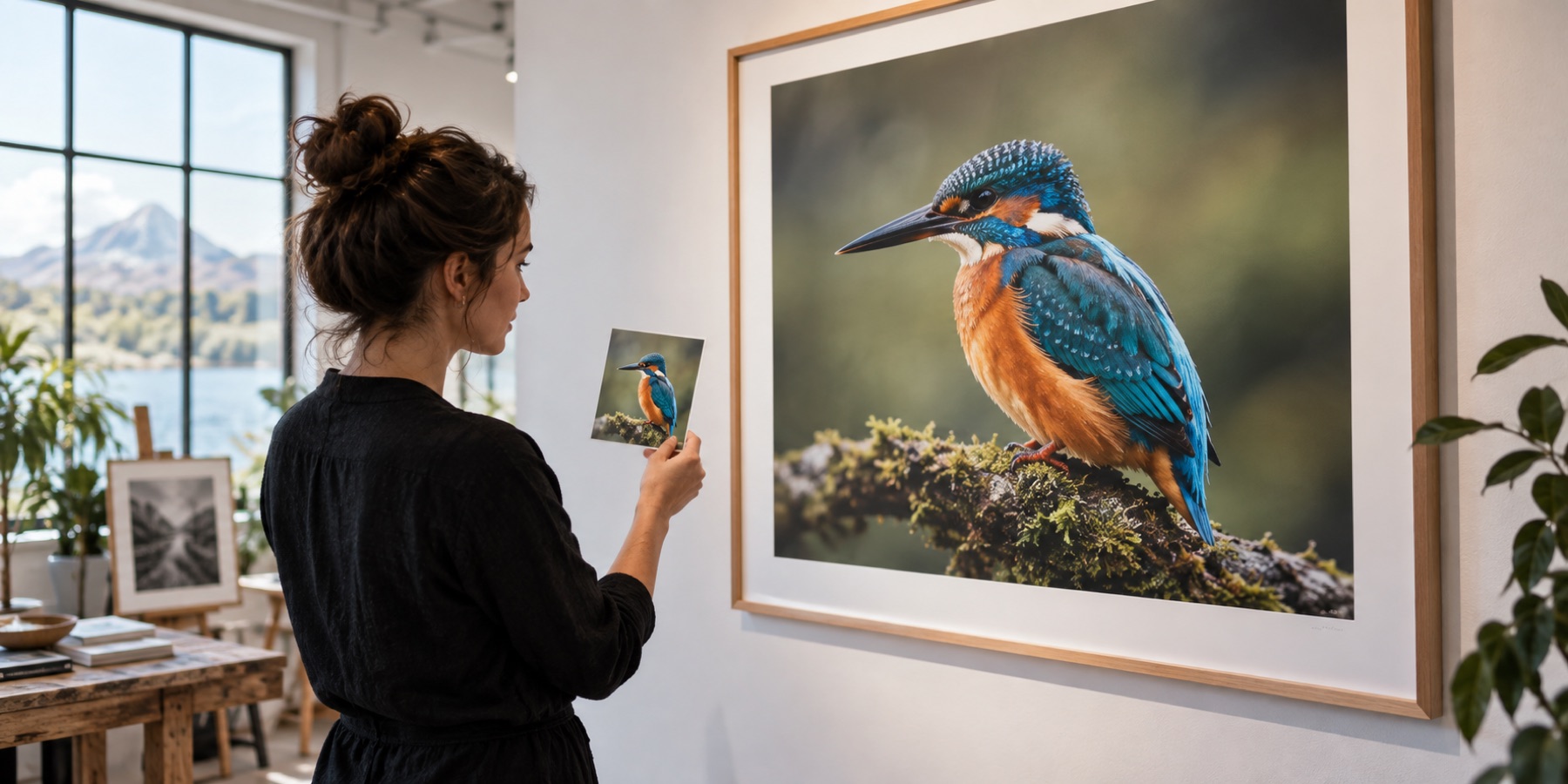
Most upscalers open a GIF as a still picture and give back its first frame. This page reads the whole animation — frame rectangles, transparency and the way each frame is cleared — so it enlarges what a viewer actually sees, frame by frame, and writes it back with the original timing. The folder queue on the home page refuses animated files rather than flattening them; this is where they come instead.
- Read. Every frame is decoded and composited the way a browser plays it, with its delay and the loop count.
- Estimate. The first frame is enlarged, quantised and compressed for real, and the size and time for the whole GIF are shown before you start.
- Enlarge. Each frame is enlarged with Lanczos3 or nearest-neighbour, then mapped to one shared palette.
- Write. Only the rectangle that changed is stored for each frame, with the original delay; transparency and the loop are kept.
What it will not do
- No AI model runs on a GIF here. For a single still frame at its best, save it as a PNG and use the AI image upscaler.
- It does not add frames or smooth motion; the frame count and timing are the source's.
- Animated WebP and APNG are not read on this page.
Questions about this
Does it keep the animation?
Yes. Every frame is decoded, enlarged and written back, each with the delay the source gave it, in hundredths of a second, unchanged. The loop count is copied too: a GIF that loops forever still does, and one that plays once still plays once.
Is this an AI GIF upscaler?
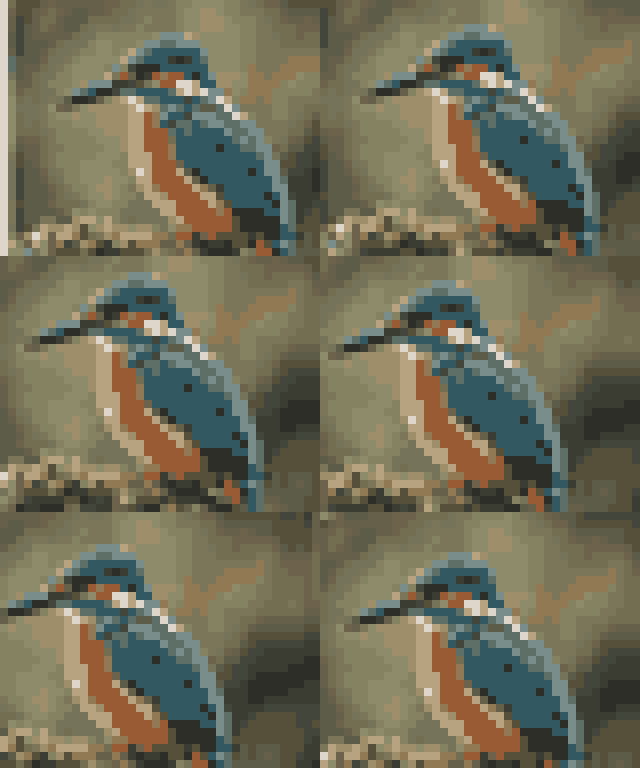
No, and the page says so. Each frame is enlarged arithmetically — Lanczos3 for animations made from video or photos, nearest-neighbour for pixel art. A model pass on every frame of a GIF multiplies the wait by the frame count, and a network that draws texture differently on each frame makes the animation shimmer.
Why do the colours change slightly?
A GIF holds at most 256 colours. A smooth enlargement creates in-between shades the original palette never had, so the enlarged frames are mapped to one new shared palette of up to 255 colours plus transparency. Pixel art enlarged with nearest-neighbour adds no colour, so a GIF of 255 colours or fewer keeps its exact colours.
How big will the file be?
The page tells you before it starts: it enlarges, quantises and compresses the first frame for real, and scales that by the number of frames and how much changes between them. The exact byte count is on the Download button afterwards. Only the parts of each frame that changed are written, so a mostly still animation stays small.
What is the biggest GIF it takes?
Up to 2,048 pixels on an edge after enlarging, 120 million pixels across all frames together, and 1,000 frames. A factor that would pass that ceiling is switched off with the reason beside it.
Is my GIF uploaded?
No. It is decoded, enlarged and encoded in this tab by this page's own code. Nothing is fetched for it and nothing is sent.
Next on this site
A still sprite goes to the pixel art upscaler, which also offers edge-aware scaling. A still photo gets the full studio on upscale image.
- Pixel art upscalerWhole-number scaling, 2× to 8×, nearest-neighbour or edge-aware. Not one new colour, no model, no blur.
- Upscale imageOne photo, 2× to 4×, previewed instantly; the AI pass is offered with its exact download size.
- AI image upscalerReal-ESRGAN in your browser, and a risk map of exactly where it invented texture.
- PNG upscalerTransparency enlarged on its own and recombined, so cut-outs and logos get no halo. PNG out.